Whether you are introducing a quoting tool into your business for the first time or you are looking to change the tool you are currently using, what are the key, fundamental functions of the tool that you will need to ensure easy, stress-free quoting?
- Quoting Tool Is Cloud Based
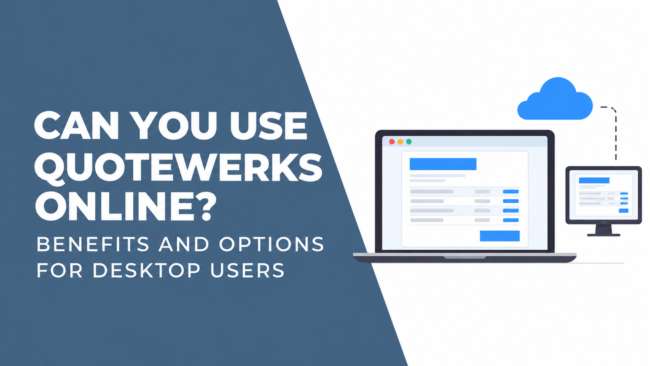
This should be a prerequisite for choosing a quoting tool. In this digital age, accessing tools in the cloud is very secure and provides a huge amount of flexibility. They can be accessed at any time across all time zones and from any location and from any device. It makes any product updates much quicker and easier as there is no need to manually install the updates on every single local machine.
- Integration With Your PSA Tool
When considering a new Quoting Tool or if you are switching to an alternative, it is always important to review the other tools you use in your business to make sure that any new tool will integrate with the ones you are currently using. In particular you should make sure that your new quoting tool integrates with your PSA tool as this is the “engine” that runs your business and the central location for everything your business does.
- Integration With 3rd Party Vendors
Automated price feeds are a must with any Quoting Tool as this allows you to pull real-time pricing from your distributors (suppliers) and vendors providing you with live, accurate data on your quote.
- Ability To Import Excel Documents Into Quoting Tool
This attribute is a must. If traditionally you have all your pricing information and build up quotes in Excel, to be able to import those documents into a Quoting Tool is going to save you a lot of time.
- Create Professional Quotes and Proposals
One of the great things about using a Quoting Tool is that you can design and upload your own quoting templates and proposals with customised branding. The information being communicated is very clearly presented and gives a very professional impression.
ITQuoter has been working with MSPs for the last 20 years and so they know what works and what doesn’t work. They have developed a quoting tool that is based around helping sales teams to sell more. ITQuoter is a simple to use, but advanced quoting tool that can handle anything from a
simple one-line quote, complex special bids to managed services proposals. It fulfils all the above requirements and can offer so much more! ITQuoter is configured to MSPs requirements so that they can use as many of the product features as they need with a very easy to use interface.
So if you are looking at investing in a new Quoting Tool and are interested in finding out about the alternatives out there, then contact us for a demo. Our excellent value pricing is monthly which means no long-term contracts or commitments. We are confident that you will love our software and we would welcome the opportunity to talk to you about it!